9 ways to protect your faucet account and crypto wallet
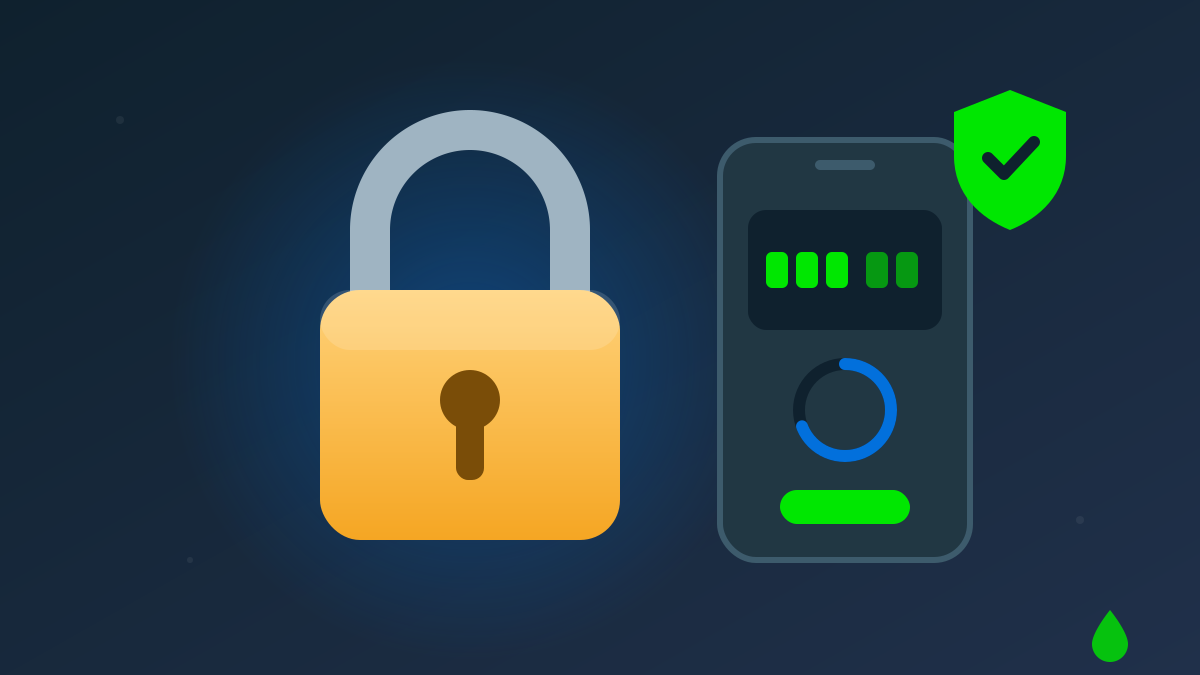
You spend days collecting points from the faucet, PTC ads and tasks, yet a single leaked password is all a thief needs to empty your account. The good news: almost every account takeover can be prevented with a few basic habits.
1. Use a different password for every site
Small faucet sites get breached all the time. If you reuse one password everywhere, one breach puts every other account at risk. Let a password manager create a long, random password for each site.
2. Turn on two-factor authentication (2FA)
2FA asks for a 6-digit code that changes every 30 seconds in an app on your phone (Google Authenticator, Aegis, 2FAS…). Even with your password, an attacker cannot sign in or withdraw.
On Driplay, open Account → Security → Enable 2FA, scan the QR code and type a code to confirm. Driplay requires 2FA before any withdrawal, so set it up from day one.
Store the secret key (the characters under the QR code) somewhere safe. You will need it if you lose your phone.
3. Watch out for phishing links
Fake sites copy the look of the real one and change a single letter in the domain. Before typing your password:
- Check that the address bar really says driplay.org.
- Don't click "double reward" links sent in messages, group chats or comments.
- Real support staff will never ask for your password, 2FA code or seed phrase.
4. Check your activity log regularly
Account → Activity lists every sign-in, reward and bet with its time. If you see a sign-in you didn't make, change your password right away and press Sign out other devices on the Security page.
5. Read the security emails
Signing in to Driplay from an unfamiliar network needs a verification code sent by email (or your 2FA code), and every withdrawal is announced by email. If you get a code or a withdrawal notice you didn't ask for, that's the earliest sign someone is trying to use your account: change your password right away.
6. Protect your email account
Whoever controls your email can reset the password of every linked account. Turn on 2FA for your mailbox and use a password that has nothing in common with your faucet password.
7. Never share your seed phrase
The seed phrase (12 or 24 words) is the master key to your wallet. No faucet, exchange or "support agent" ever needs it. Write it on paper, keep it somewhere private, and never photograph it or store it in the cloud.
8. Double-check the address when withdrawing
Some malware silently swaps wallet addresses in your clipboard. After pasting an address, compare the first and last few characters with the original before you confirm.
9. Keep your browser updated and extensions lean
Browser extensions can read every page you open. Only install extensions from trusted sources, remove the ones you don't use and keep your browser up to date.
In short
A unique password, 2FA, a healthy suspicion of strange links and a habit of checking your activity log are the four simplest layers of protection. They take minutes to set up and protect every point you have worked for.
Artigos relacionados

Invite friends the right way: grow referral earnings without spam
Referral commission is the most durable source of points over time. Here is how to share your link effectively, within the rules and without annoying anyone.
Leia mais: Invite friends the right way: grow referral earnings without spam
Earn crypto with PTC ads, shortlinks and offerwalls: the complete guide
Besides the faucet, PTC ads, shortlinks and offerwalls are the most effective ways to earn points. Learn how each one works and how to avoid losing points to chargebacks.
Leia mais: Earn crypto with PTC ads, shortlinks and offerwalls: the complete guide
What is a crypto faucet? How to earn free USDT, TRX and DOGE every hour
A faucet gives away small amounts of cryptocurrency for free at regular intervals. Learn how faucets work, how to get a Daily Bonus of up to 200% and how to make the most of your points.
Leia mais: What is a crypto faucet? How to earn free USDT, TRX and DOGE every hour